Search for PicACG GitHub and you land in a small constellation of repositories rather than a single page. There is a desktop client written in Python and Qt, a Flutter app that reads PicACG alongside other sources, a sibling client for the JM catalogue, helper libraries for image upscaling, and a successor project that picked up where an archived app left off. Knowing which repository does what, and how to read each one, saves hours of guesswork.
This guide is a map. It explains the main PicACG repositories on GitHub, how to read a repository page with confidence, where to find trustworthy builds, how to report a problem in a way maintainers can act on, and how to keep track of new releases without refreshing pages by hand.
Why GitHub Is the Home of PicACG Clients
Community comic clients live on GitHub for practical reasons. Source code is public, so anyone can check what the software does. Releases are attached to specific versions of that code, so a download can be traced back to the exact commit it was built from. Issues give users a structured place to report bugs, and the history of every change is preserved.
For a reader, this matters because it provides verifiability. A build downloaded from a repository's release page is far more trustworthy than an identical-looking file on an unknown download site, because the release page is controlled by the same people who wrote the code.
The Key Repositories at a Glance
| Repository | What it is | Technology | Platforms |
|---|---|---|---|
| tonquer/picacg-qt | Desktop PicACG client | Python, PySide6 (Qt 6) | Windows, macOS, Linux |
| tonquer/JMComic-qt | Desktop client for the JM catalogue | Python, Qt | Windows, macOS, Linux |
| tonquer/waifu2x-vulkan | Python binding for waifu2x upscaling | C++, Python, Vulkan | Desktop |
| wgh136/PicaComic | Multi-source comic app (archived) | Flutter, Dart | Android, iOS, Windows and more |
| venera-app/venera | Successor to PicaComic | Flutter, Dart | Android, desktop |
picacg-qt
This is the repository most people mean by "PicACG GitHub." It hosts a full desktop client built with PySide6, the official Python bindings for Qt 6. It covers browsing, searching, rankings, favorites, comments, downloading for offline reading and optional waifu2x upscaling of comic pages. It is released under the LGPL-3.0 licence, and the source archive on the main branch is the simplest way to run it on any operating system that has Python.
JMComic-qt
Written by the same author and sharing much of the same design language, this client targets the JM catalogue that many readers know as Jcomic. Its image restructuring code became widely referenced by other projects, because JM pages are delivered in a scrambled order that must be reassembled before display.
waifu2x-vulkan
Not a reader at all, but an essential piece of the desktop experience. It wraps the waifu2x-ncnn-vulkan upscaler so Python applications can call it directly. The picacg-qt client uses it as an optional component; when it is present and your graphics driver supports Vulkan, pages can be upscaled for sharper text and line art.
PicaComic and Venera
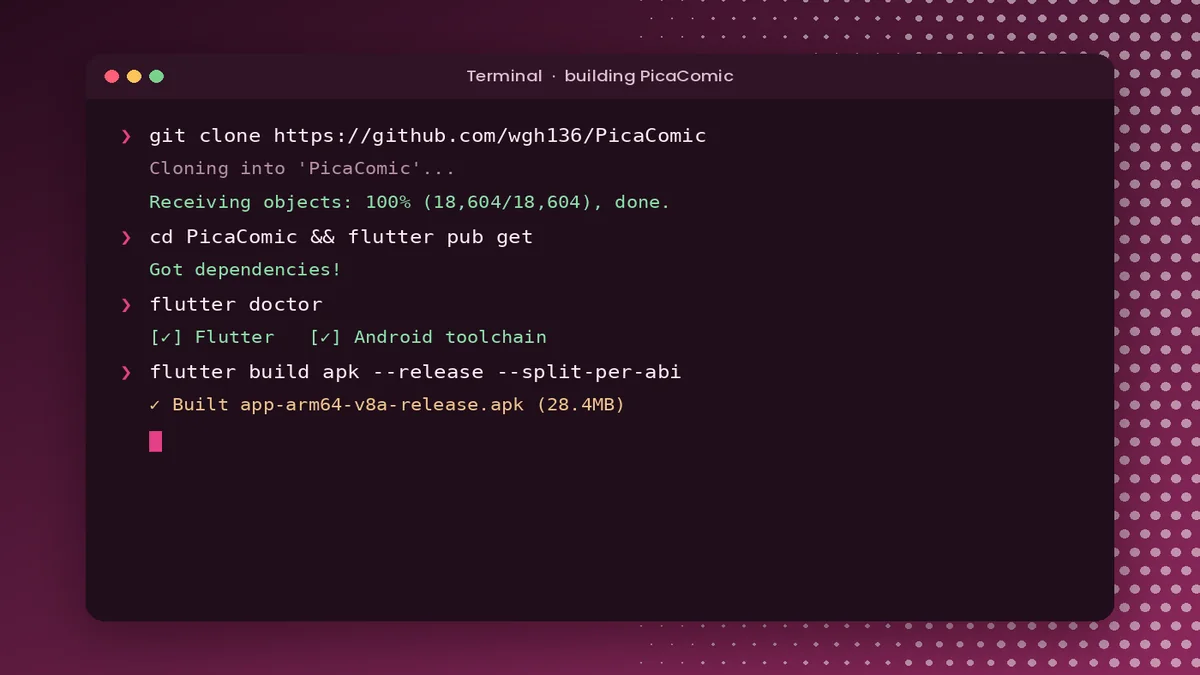
PicaComic is a Flutter application that began as a PicACG reader and grew into a multi-source hub. From version 3.0.0 it supported custom comic sources. The repository was archived in late 2024, and its author directed users to Venera, a successor that reads both local and network comics and lets sources be written in JavaScript.
Reading a Repository Page Like a Maintainer
A GitHub repository page carries more information than most visitors notice. Learning to scan it quickly tells you whether a project is healthy, what it needs to run and where the real downloads live.
The header
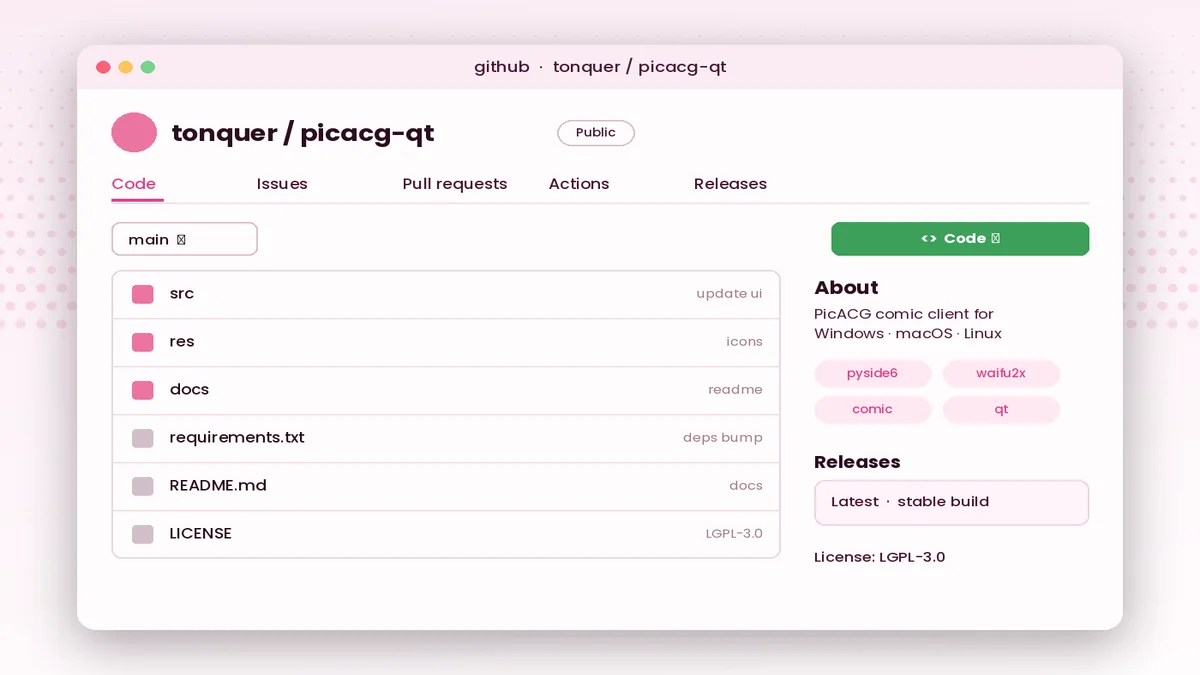
At the top you see the owner and repository name, a visibility label and counters for watchers, forks and stars. Stars indicate interest rather than quality, but a project with many forks usually has an active community. An Archived banner means the code is now read-only: no new commits, issues or pull requests.
The file list
The file list on the Code tab shows the repository's structure. For picacg-qt you will see a src folder containing the application, a res folder with interface resources, a requirements.txt listing Python dependencies, a README and the licence file. Those few names already tell you how to run it: install the requirements, then start the program from src.
The About panel
On the right sits a short description, topic tags and links to releases and the licence. Topic tags such as pyside6, waifu2x or flutter quickly reveal the technology stack.
The README
Scroll down and the README renders beneath the file list. This is where maintainers document supported platforms, installation steps, known issues and screenshots. Read it in full before installing; many questions asked in issues are already answered here.
Releases Versus the Source Archive
There are two different kinds of download on a repository, and confusing them is the most common mistake newcomers make.
Releases are curated packages that a maintainer has built and attached to a version tag. They are listed under the Releases link and usually include ready-to-run files for specific platforms, such as a Windows archive, a macOS disk image, a Linux AppImage or Android APKs.
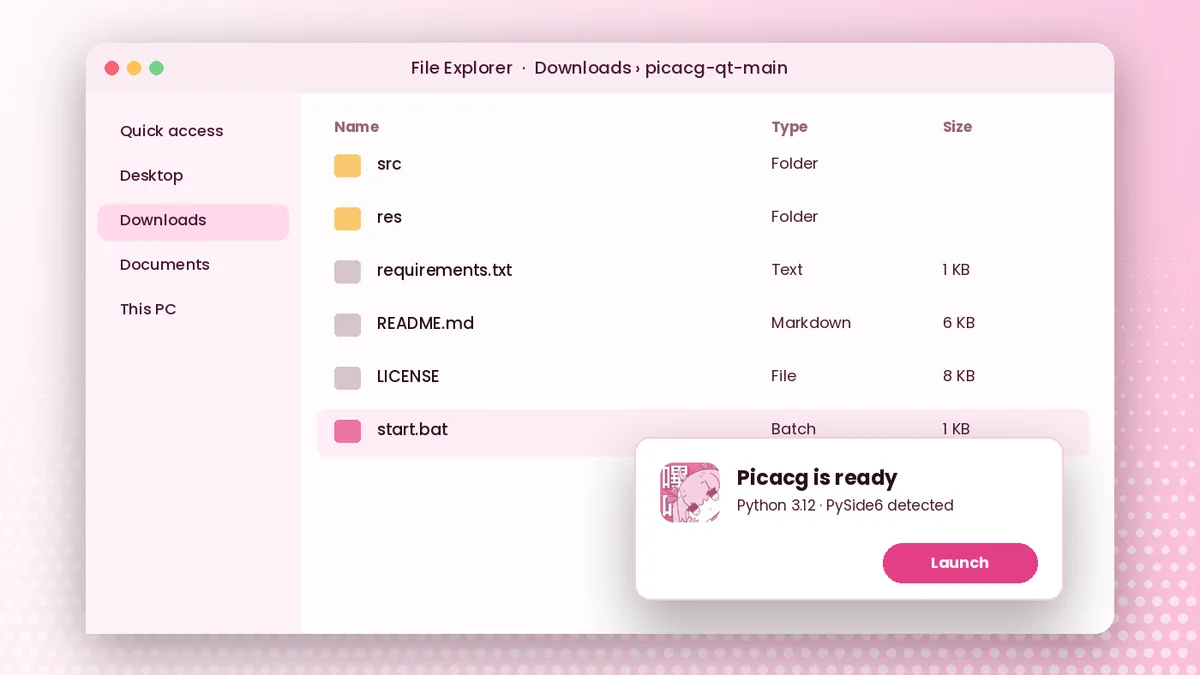
The source archive is a ZIP snapshot of the code on a branch, produced automatically by GitHub. The green Code button offers Download ZIP, and the same file is available at a predictable address ending in archive/refs/heads/main.zip. It contains source code only; you need the right runtime, which for picacg-qt means Python, to run it.
| Download type | Best for | Needs |
|---|---|---|
| Release asset | Most users who want to click and run | Nothing beyond the OS |
| Source ZIP of main | Running the latest code, Linux users, learners | Python and dependencies |
| git clone | Developers and frequent updaters | Git, plus the runtime |
The download button on picacg.app points to the source archive of the main branch, because it works identically on every desktop operating system and always reflects the most recent code.
Cloning Instead of Downloading
If you plan to follow updates closely, cloning is more convenient than repeatedly downloading ZIP files.
git clone https://github.com/tonquer/picacg-qt.git
cd picacg-qt
Later, updating is a single command run inside that folder:
git pullGit fetches only what changed, keeps your copy in sync with the main branch and makes it trivial to roll back if a new commit introduces a problem. For Flutter projects such as PicaComic the same approach applies, with Flutter's own build tools taking over after the clone.
Checking That a Project Is Alive
Before investing time in any client, look for signs of maintenance.
- Commits tab: the date of the most recent commit shows whether development is ongoing.
- Releases: regular releases suggest the maintainer actively packages builds.
- Issues: look at whether recent issues receive replies. A long tail of unanswered issues is a warning sign.
- Archived banner: an archived project still works as published, but you should not expect fixes.
A quiet repository is not necessarily abandoned. Mature software often needs few changes, and a client that works reliably may simply not require frequent updates.
Reporting a Problem the Right Way
Issues are a shared resource. A clear report helps the maintainer and everyone who later hits the same problem.
- Search first. Use the issue search box with the error message or a few keywords. Many problems have already been reported and solved.
- Use the template. If the repository offers an issue template, fill in every field.
- Include versions. Mention the client version or commit, your operating system and, for desktop clients, your Python version.
- Describe steps. List exactly what you clicked, in order, and what happened versus what you expected.
- Attach logs. Many clients write log files; attach the relevant section rather than pasting everything.
- Remove secrets. Never include passwords, tokens or cookies in screenshots or logs.
Several PicACG-related repositories are maintained by Chinese-speaking developers. Writing in clear, simple English is perfectly acceptable, and adding a short machine-translated Chinese version can make your report easier to act on.
Watching for New Releases
GitHub can notify you when a new version is published, so you never need to check manually.
- Open the repository.
- Click Watch near the top of the page.
- Choose Custom and tick Releases.
You will now receive a notification, and optionally an email, whenever a new release is published, without being flooded by every issue comment. For people who prefer feeds, every repository also exposes a releases Atom feed that works in any RSS reader.
Verifying What You Download
Trust in GitHub comes from traceability, and you can take advantage of it.
- Confirm the URL begins with
https://github.com/followed by the expected owner name. - Prefer release assets uploaded by the repository owner over links posted in comments.
- When checksums are published, compare them with a local hash tool.
- Watch out for look-alike accounts whose names differ by a single character.
For the source archive, the safety model is even simpler: the ZIP is generated by GitHub directly from the visible code, so what you download is exactly what you can read on the page.
Licences and What They Mean for You
picacg-qt is distributed under the LGPL-3.0, while PicaComic used the MIT licence. In everyday use, both allow you to download, run and study the software freely. The differences matter mainly for developers who modify and redistribute the code. If you fork a project and publish your own build, read the licence file carefully and keep the original notices intact.
The licence covers the software only. It says nothing about the comics themselves, which remain the property of their creators and publishers and are governed by the platform's own terms.
Contributing Without Writing Code
You do not need to be a programmer to help.
- Report reproducible bugs with good detail.
- Improve documentation through a pull request that fixes unclear instructions.
- Help translate interface strings if the project supports multiple languages.
- Answer questions in issues that you know the answer to.
- Star the repository so others can gauge its popularity.
Maintainers of community clients usually work in their spare time, and thoughtful participation keeps projects alive far longer than demands for new features.
Forks: When to Use One
Because popular repositories attract many forks, you will occasionally find a fork that claims to add features or fix bugs the original has not. Treat forks with healthy caution. A fork maintained by an established contributor, with visible commits and a clear explanation of what changed, can be valuable. An anonymous fork that differs from the original only by a pre-built binary deserves suspicion. When in doubt, stick with the original repository.
A Weekly Routine for Following PicACG Projects
Staying current does not take much effort once a routine exists. Once a week, open your GitHub notifications and read any new release notes for the repositories you watch. Release notes explain what changed, which bugs were fixed and whether settings need adjusting after the update. Then skim the newest issues on the client you use most; recurring reports about the same problem often reveal a workaround days before an official fix appears. Finally, if you run from source, pull the latest code and reinstall requirements so your environment matches the project. Ten minutes a week keeps every PicACG client you rely on working smoothly, and it means you are rarely surprised by a change on the platform side.
Putting It Together
The PicACG GitHub landscape becomes simple once you know its shape. picacg-qt is the desktop client, JMComic-qt covers the JM catalogue, waifu2x-vulkan powers sharper pages, PicaComic is the archived Flutter hub and Venera continues that lineage. Download releases when you want convenience, use the source archive or a clone when you want the latest code, watch releases to stay current and report issues in a way that helps everyone.
Frequently Asked Questions
Which repository is the official PicACG desktop client?
The desktop client most readers use is tonquer/picacg-qt. It is a community client rather than software from the platform itself, built with Python and PySide6.
Is the main.zip download the same as a release?
No. The main.zip file is an automatic snapshot of source code on the main branch. Releases are packaged builds attached to version tags.
Do I need a GitHub account to download?
No. Downloading releases, source archives and cloning public repositories all work without signing in. An account is only required to star, watch or open issues.
What does it mean that PicaComic is archived?
The repository is read-only. Its code and published builds remain available, but no new updates will be made there; development continues in the Venera project.
How do I know if a GitHub link is genuine?
Check that the domain is github.com and that the owner name matches exactly. Prefer links from the repository's own README and release page.